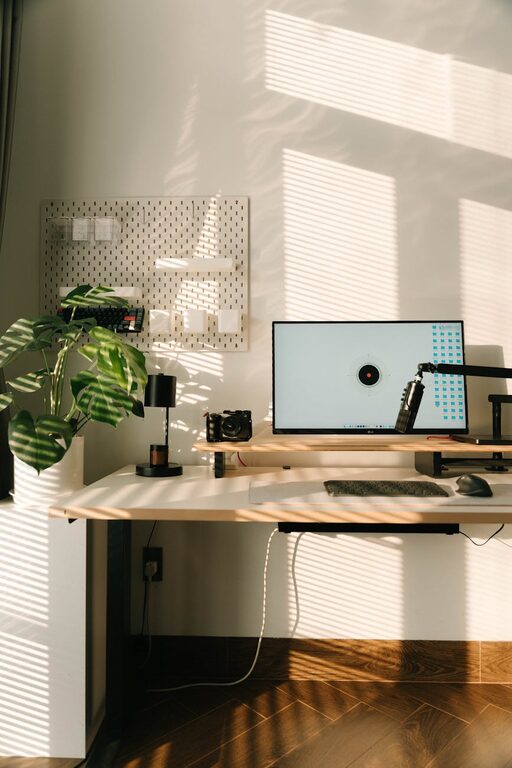

Creating a well-organized home office is key to staying productive and comfortable throughout your workday. Whether you work remotely full-time or occasionally need a dedicated space, a tidy and functional environment can make all the difference. In this post, we’ll explore simple tips to help you organize your home office effectively without overwhelming yourself.
Why Organizing Your Home Office Matters
An organized home office helps reduce stress, minimize distractions, and improve focus. When everything has a place and your space feels comfortable, you’ll find it easier to dive into work and keep your motivation high. Plus, an inviting workspace can even boost creativity and make your workdays more enjoyable.
Start with Decluttering
Before you organize, it’s important to clear out items you no longer need. Take a few minutes to sort through papers, supplies, and gadgets. Here’s a quick process:
– Sort into categories: Keep, toss, or donate.
– File important documents: Use labeled folders or a filing cabinet.
– Remove unnecessary items: Clear desk space for better focus.
Decluttering frees up room and makes it easier to find what you need.
Choose the Right Desk and Chair
Your furniture plays a big role in comfort and productivity.
– Desk size: Choose a desk that fits your space but provides enough surface for your computer and materials.
– Chair: Invest in an ergonomic chair with adjustable height and support to keep you comfortable and reduce strain.
Proper furniture setup can prevent discomfort and keep you working longer without fatigue.
Organize Supplies and Tools
Keeping supplies and tools within reach but orderly keeps your workflow smooth.
– Desk organizers and trays: Store pens, notepads, and small gadgets efficiently.
– Drawers: Use drawer dividers for miscellaneous items.
– Shelves or storage bins: Keep extra supplies accessible but out of the way.
Labeling containers can help you quickly locate what you need.
Optimize Lighting
Good lighting reduces eye strain and creates a pleasant atmosphere.
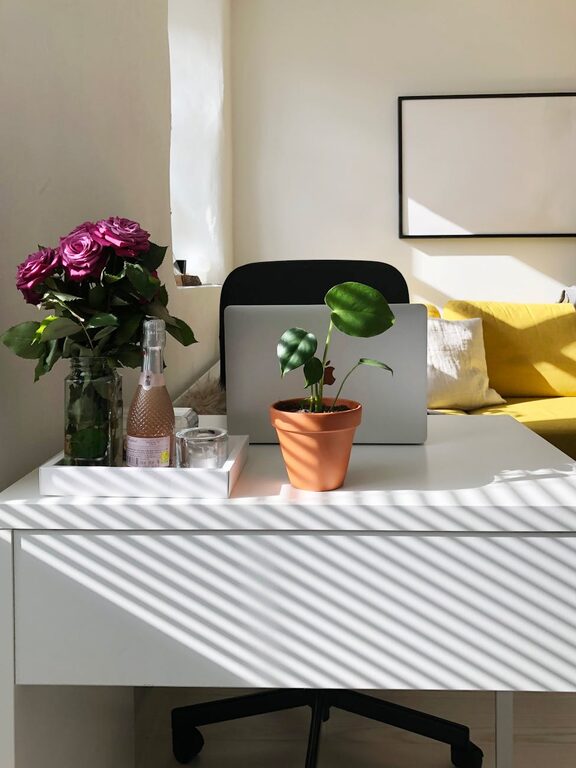
– Natural light: Position your desk near a window if possible.
– Task lighting: Use an adjustable desk lamp for focused light.
– Avoid glare: Arrange screens and lights to minimize reflections.
A well-lit space helps you stay alert and comfortable during work.
Cable Management
Cables can quickly make your workspace look chaotic.
– Use cable clips or ties: Bundle cables to keep them tidy.
– Cable boxes or covers: Hide excess cords under the desk.
– Wireless devices: Switch to wireless keyboards or mice to reduce wires.
A neat setup contributes to a calm and distraction-free environment.
Create Zones
If your home office has enough space, defining zones can improve workflow.
– Work zone: Desk and computer area.
– Reference zone: Bookshelves or filing cabinets.
– Relaxation zone: A chair or corner for breaks.
Separating zones helps maintain focus and signals when it’s time to work or rest.
Personalize Without Cluttering
Add items that make the space welcoming, but keep it minimal.
– Plants: Small indoor plants improve air quality and add life.
– Artwork or photos: Choose calming or inspiring images.
– Color accents: Use subtle colors that brighten without distracting.
A personalized space feels more inviting and encourages productivity.
Maintain Your Organized Space
Organization is an ongoing process.
– Daily tidy-up: Spend 5 minutes clearing your desk at the end of each day.
– Weekly review: Reassess supplies and clutter.
– Adapt: Change the setup as your needs evolve.
Consistent habits keep your workspace functional and pleasant.
—
Organizing your home office doesn’t have to be complicated. By decluttering, choosing the right furniture, managing supplies and cables, optimizing lighting, and personalizing your space thoughtfully, you can create a productive and comfortable environment. Try these tips and enjoy a workspace that motivates you every day!